
Learn how to write and rewrite articles, blog posts, novels, and more easily with an AI-powered platform — no technical expertise needed.

Creating SEO-friendly and unique content with an AI tool can significantly improve both your productivity and your website's search engine performance. Instead of spending hours researching, outlining, and writing from scratch, AI can generate well-structured content in minutes. It can also suggest relevant keywords, create engaging headings, and organize information into a format that is easy for both readers and search engines to understand. This allows you to publish high-quality content more consistently, which is an important factor for improving search rankings.
AI tools also help overcome writer's block by providing fresh ideas, topic suggestions, and complete first drafts. Whether you're writing blog posts, product descriptions, tutorials, or marketing copy, AI can adapt to different writing styles and tones to suit your audience. It can rewrite existing content to improve clarity, expand short articles with useful information, or simplify complex topics for better readability. This flexibility makes AI an excellent assistant for beginners and experienced writers alike.
In this step-by-step guide, we'll walk you through exactly how to use our Chat Art AI platform to write or rewrite articles, blog-posts, novels, emails and more. And the best part is that most AI detection tools will fail to identify the content as AI-generated. So, let's get started.
There are many practical and legitimate use cases for using an AI content writing tool to write or manage yoour content:
Generate articles, blogs, emails, and social posts much faster than writing manually.
Get instant ideas, outlines, and drafts whenever you're stuck.
Enhance grammar, clarity, tone, and readability with AI-powered suggestions.
Instantly switch between professional, conversational, persuasive, or creative tones.
Produce content efficiently without hiring multiple writers or spending hours editing.
Create keyword-rich, search-friendly content to improve online visibility.
 Good to know: Apart from content creation, you can also use it as a chatbot (powered by GPT & Gemini Pro) and create or edit videos, images, and music with this tool.
Follow these steps to change your GPS location on Windows 10 or Windows 11 using AppWizly GPS Location Changer.
Before we begin, we'll need to create a free account on the Chat Art AI website. To do this, visit this website and click the "Sign In" button. Then, you'll see an option to sign up for a new account.
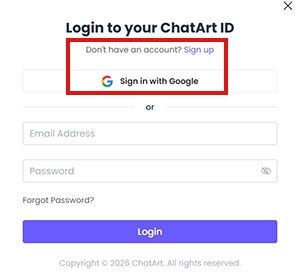
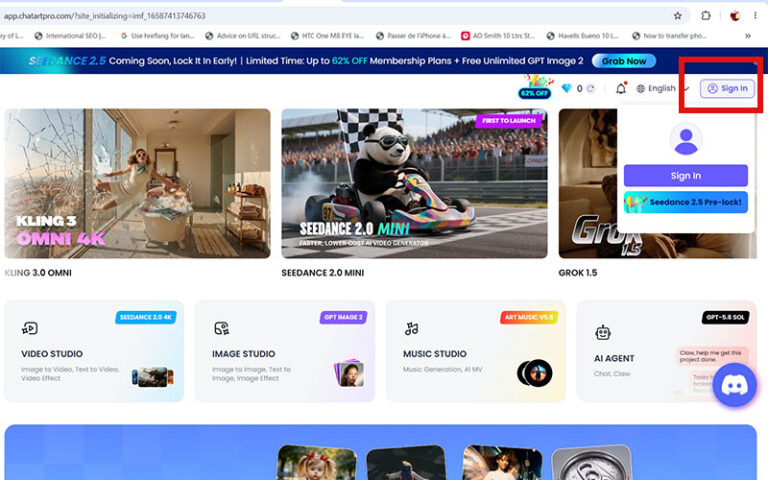
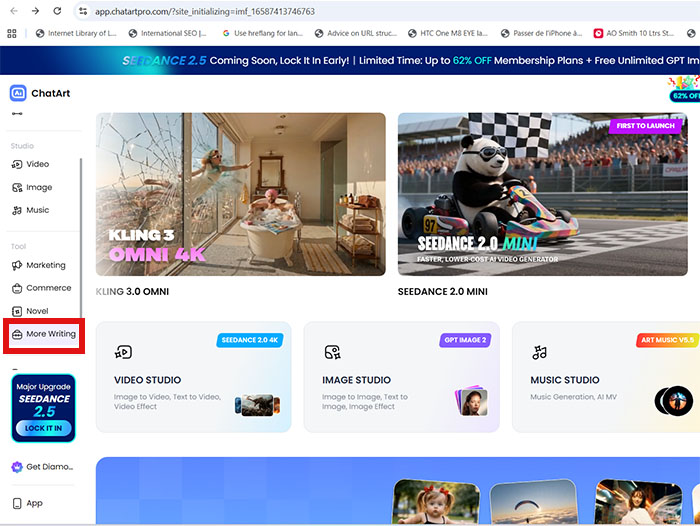
After logging into your account, you need to select "More Writing" option in the left sidebar to start writing and editing content with this AI tool.
On the main interface of this webapp, you can generate fresh content for your website, blogs, etc. using SEO Article Writer or Universal Article Writer feature of this. This is how it works:
In few minutes, your article will be ready. You will be able to download it as PDF, html and Word file as well.
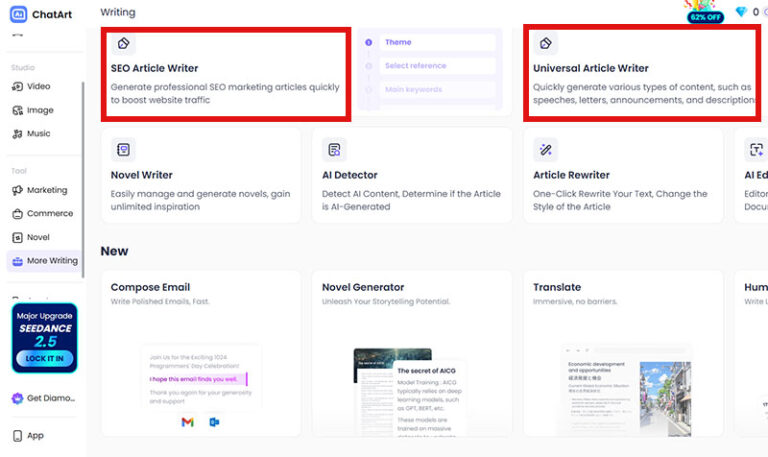
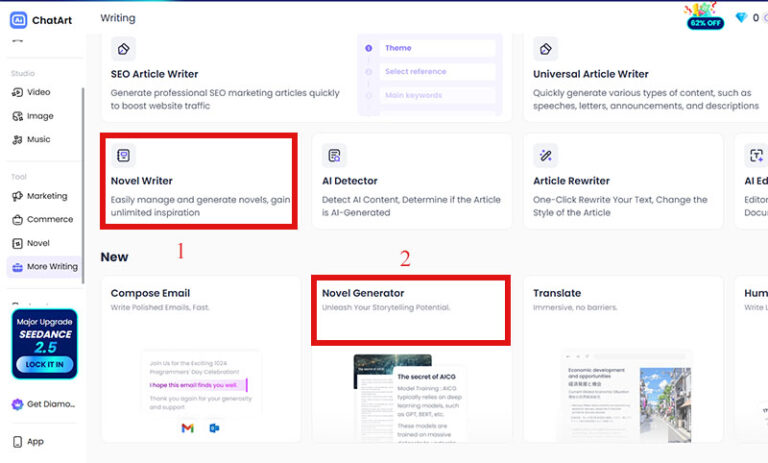
Apart from article writing, Chat Art AI also offers dedicated tools like Novel Writer and Novel Generator, making it easy to create, organize, and manage novels. In addition to writing novels, you can use the Compose Email feature to draft polished, professional emails in minutes using a variety of ready-made templates for different purposes.
Here's how you can rewrite content or change its writing style using the AI Article Rewriter tool:
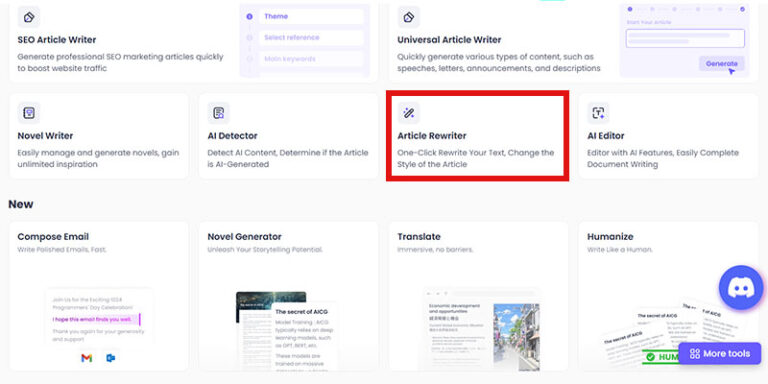
First, you need to select the Article Rewriter option from the main interface. This feature lets you rewrite AI-generated text naturally.
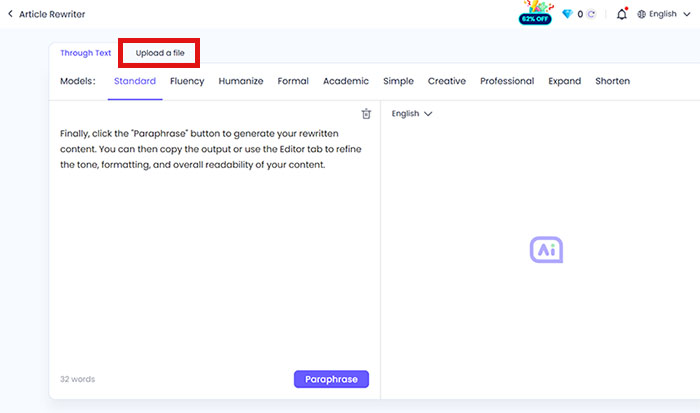
Now, input your text (including the text generated by ChatGPT or other AI models) into the Chat Art AI Rewriter. You can also upload any text documents like PDF, Docx, or Txt.
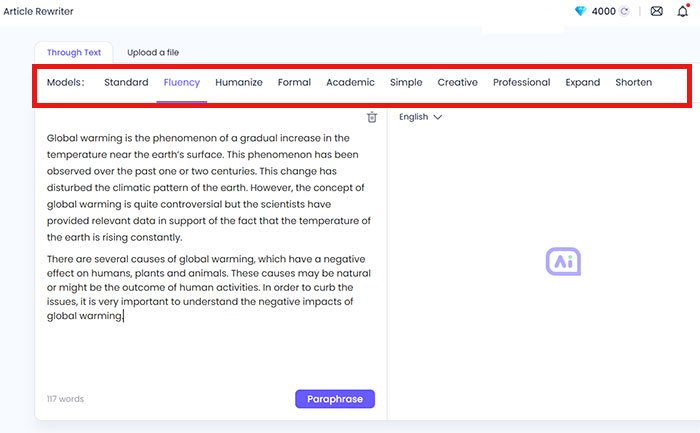
Next, select the writing styles. There are multiple writing styles such as standard, formal, creative, humanlike, simple, etc. are available to choose from. You can also choose the output language according to your requirements.
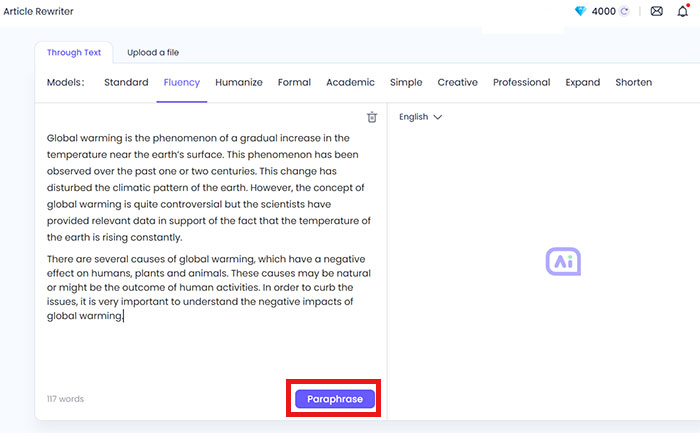
Finally, click the "Paraphrase" button to generate your rewritten content. You can then copy the output or use the Editor tab to refine the tone, formatting, and overall readability of your content.
Here are answers to the most common questions about changing GPS location on Windows and Mac.
Get the latest AI tips, tutorials, and product updates delivered straight to your inbox.